To find another player or to allow others to find you, you will need the unique identifier (ID) of your game profile.
📋 Where to Find Your ID
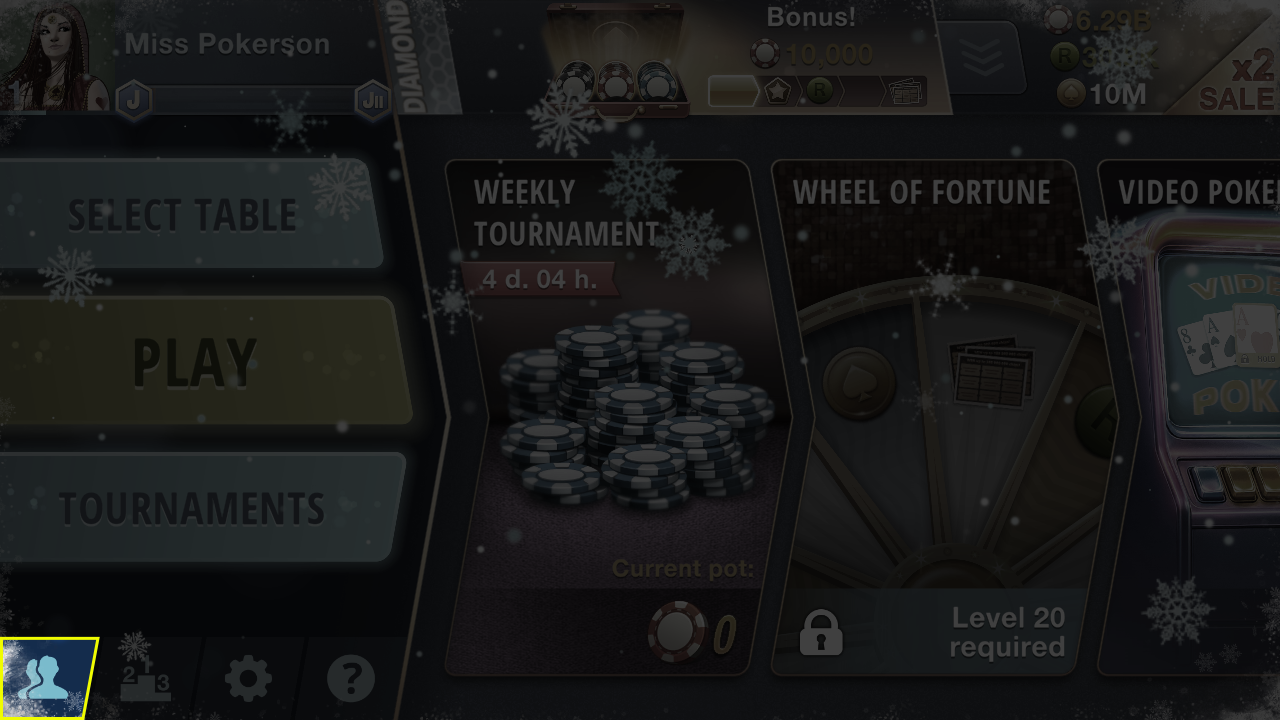
Tap the icon in the lower left corner of the screen.
In the menu that opens, tap the "Your ID" button. The identifier will be copied automatically.
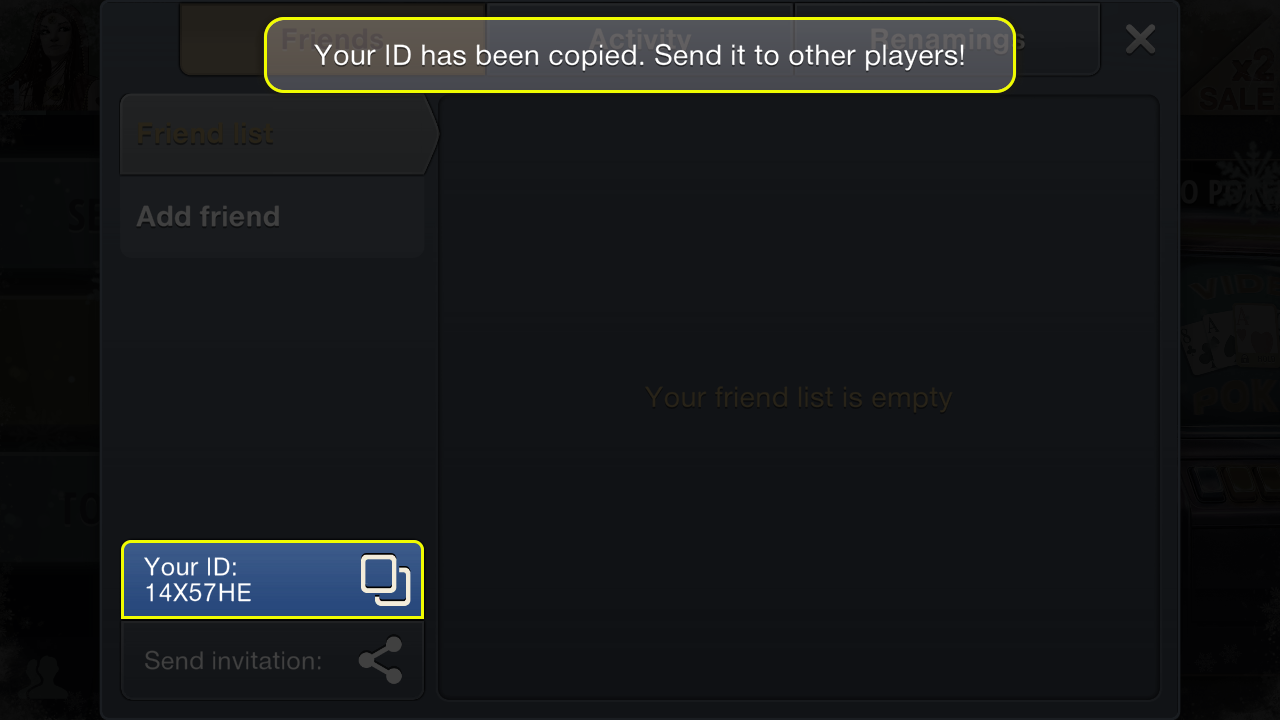
You can now send the copied ID via messenger or social media.
➕ How to Add a Friend by ID
Use the received identifier to send a friend request. In the same "Friends" section, tap "Add Friend". Enter the player's ID in the input field at the bottom of the screen. Tap the "Send" button.
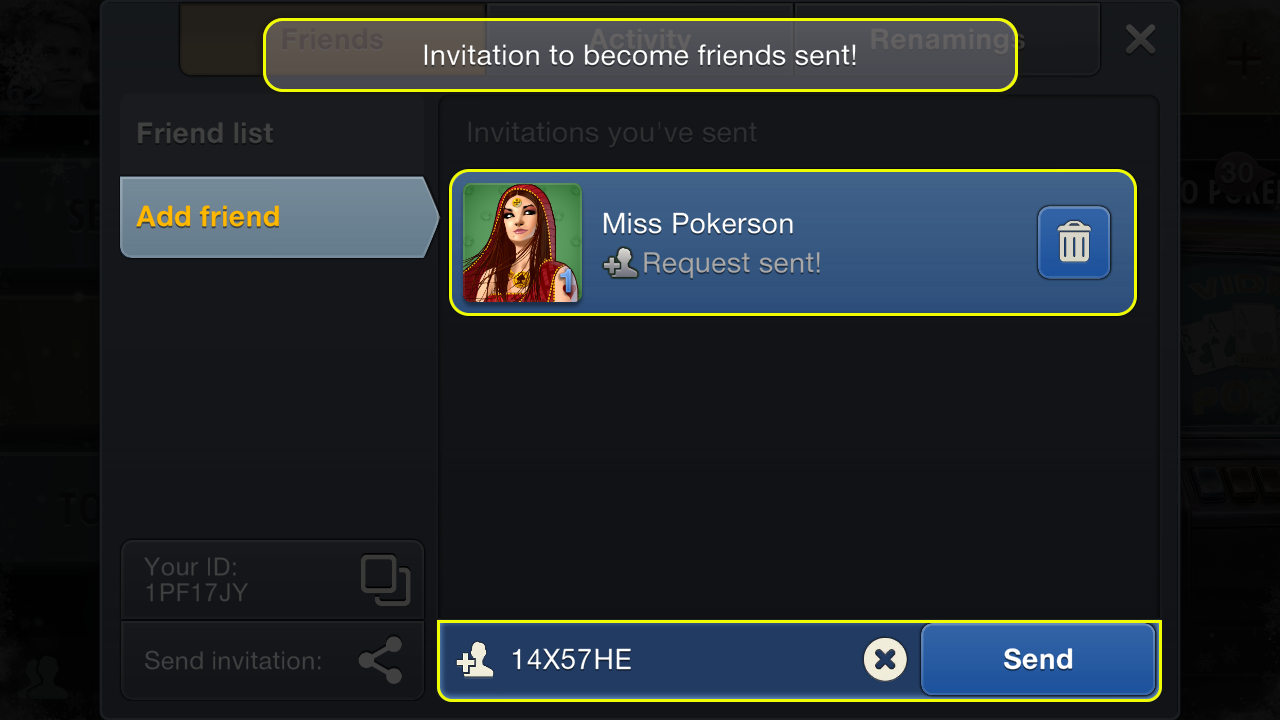
The player will automatically receive a friend invitation, which they can accept or decline.
🎁 How to Find a Player via a Received Gift
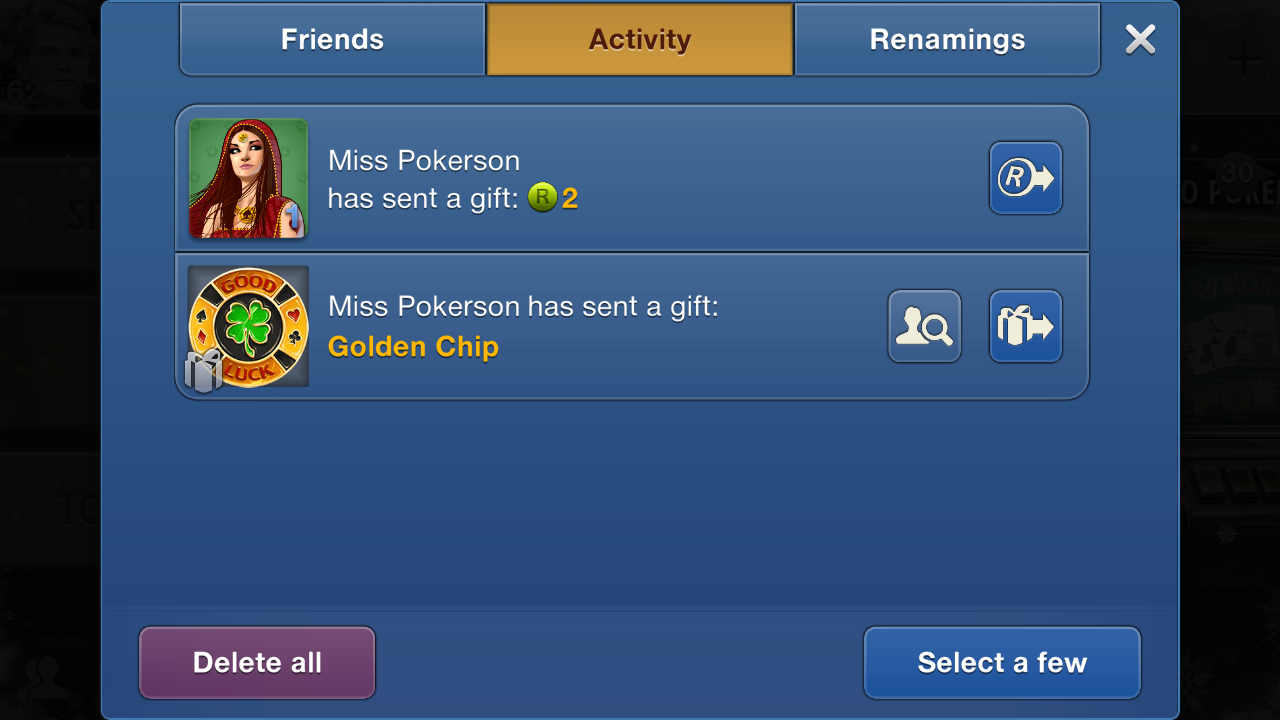
If you have received a non-anonymous gift from another player, you can open their profile to send a gift back, add them as a friend, or show respect. To do this, tap the profile button in the received gift window.
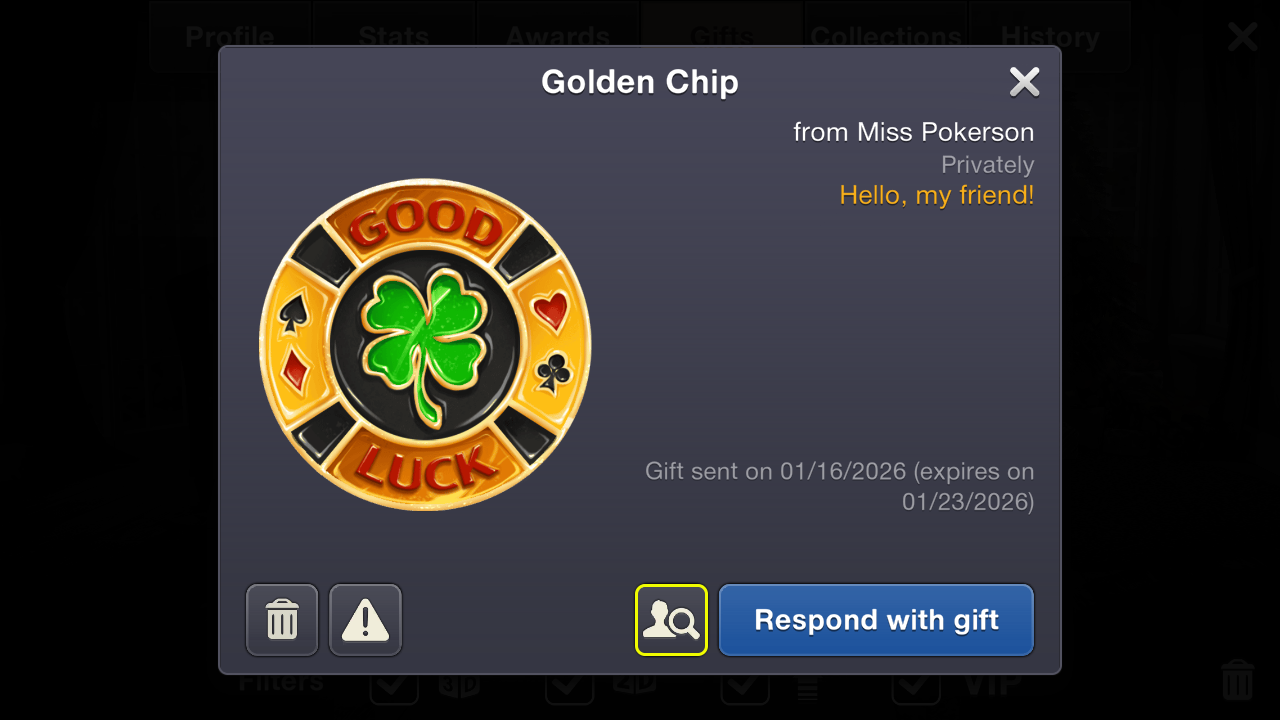
📜 How to Find a Player via History
You can find a player with whom you've had an interaction: you played at the same table, sent a gift, or gave respect. Open the "History" tab in your profile. Select the relevant event. Tap on the player's nickname. This will open their profile page.
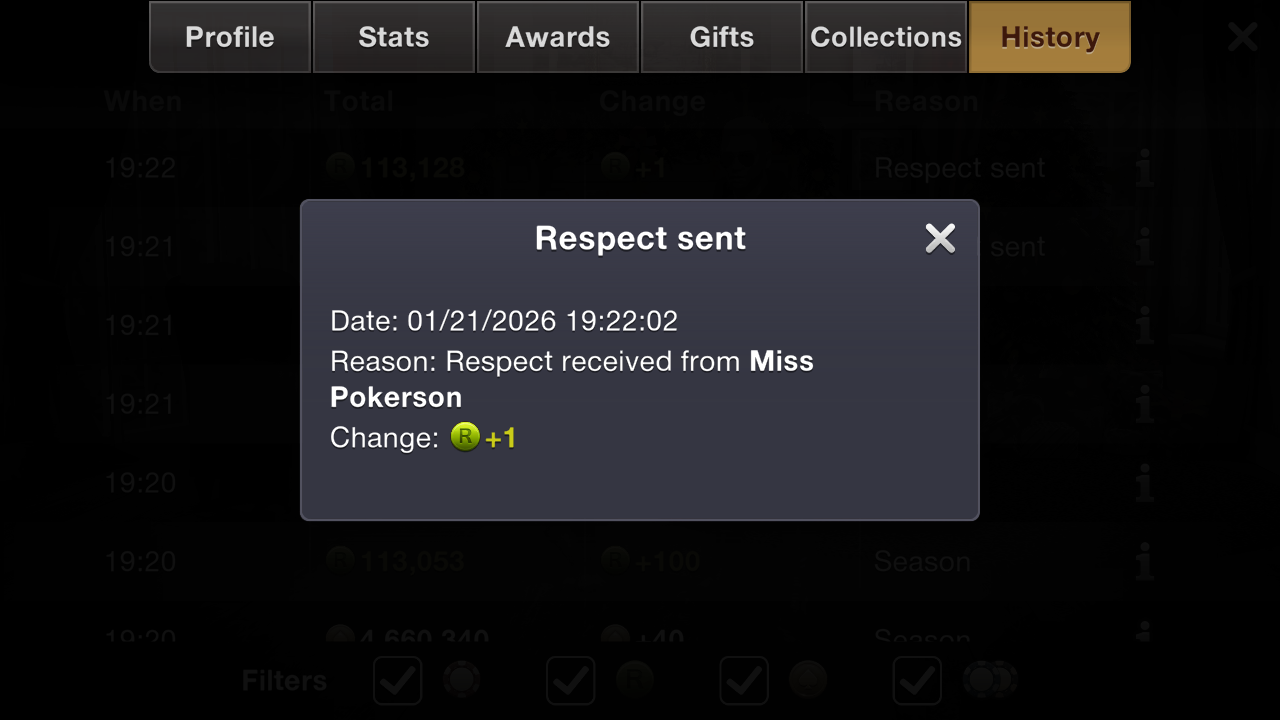
You can also find the interaction history in the "Activity" section.