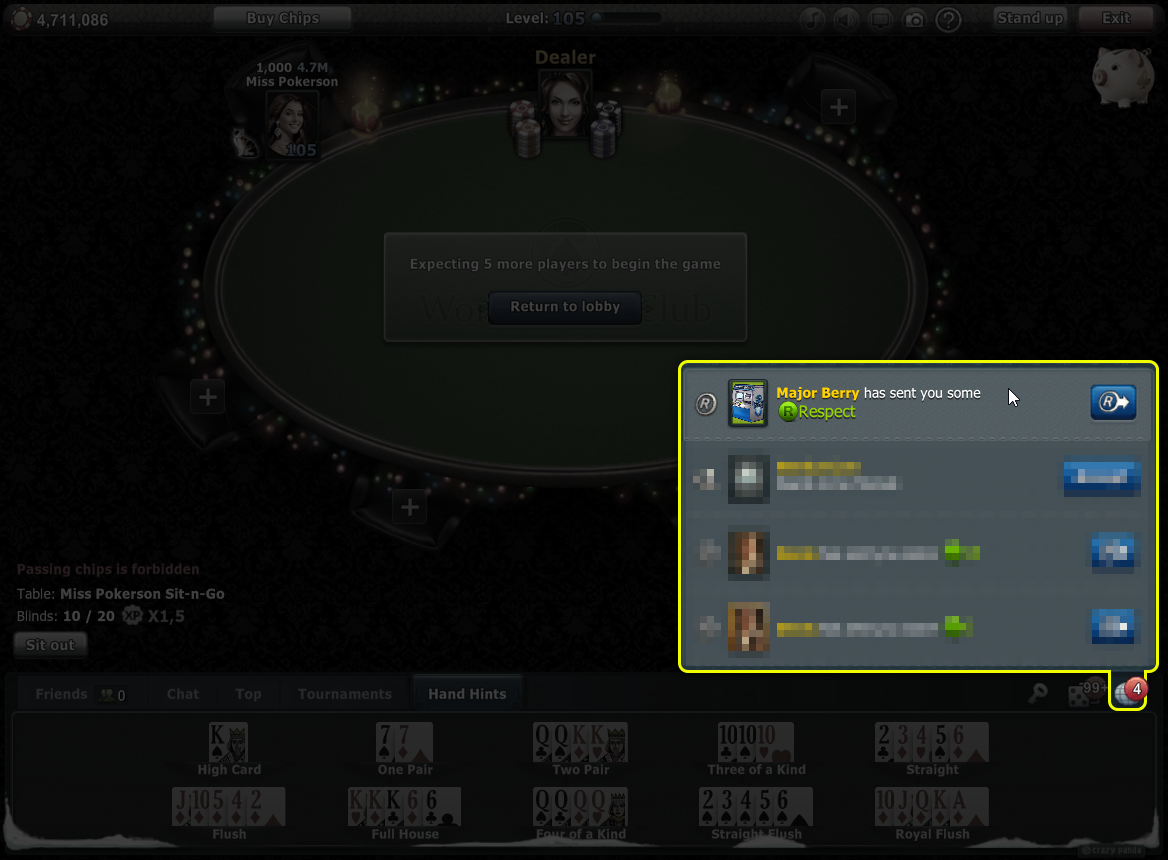
🧑🤝🧑 How to Add a Player as a Friend
You can send a friend request to another player in three main ways: directly at the gaming table, via their profile, or by using their User ID.
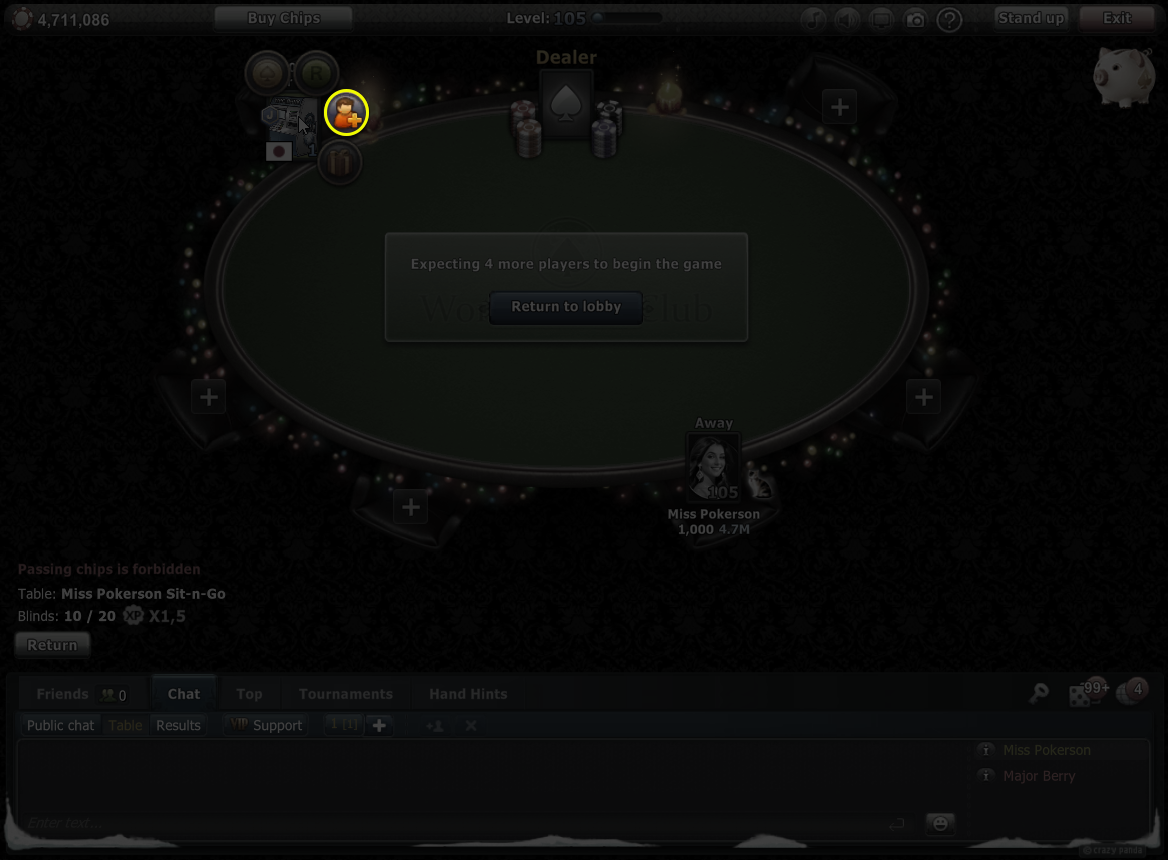
👥 At the Gaming Table
You can send a friend request to a player seated at your table. To do this, hover cursor over in the PC version their avatar at the table and select the "Add Friend" button.
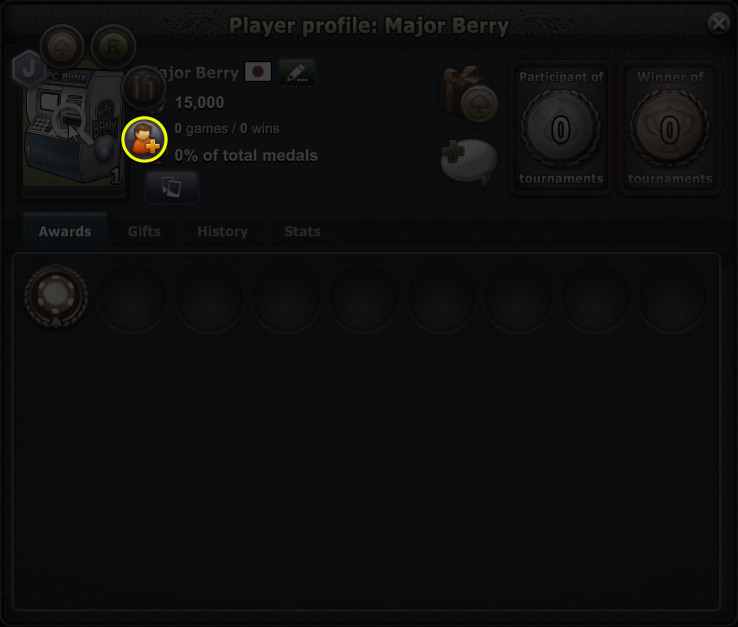
👤 Via a Player's Profile
You can send a friend invitation by opening the player's profile page and using the "Add Friend" button there.
🔎 How to Find a Player to Add as a Friend
If you want to add a player who is not at your table and you don't know their ID, you can find them through your interaction history.
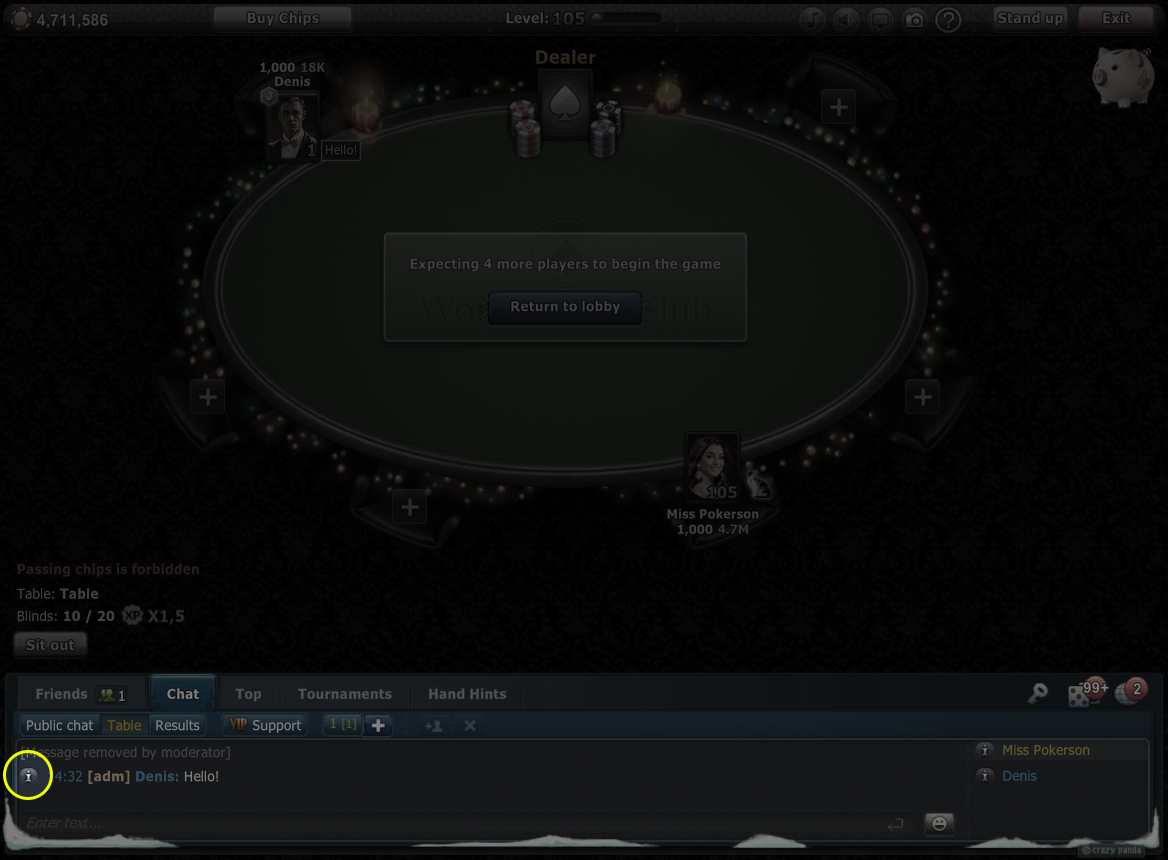
💬 Via Chat
If you have exchanged messages with a player in the chat, you can open their profile directly from the chat window. Tap their name or avatar on a message to access their profile.
🎁 Via a Received Gift
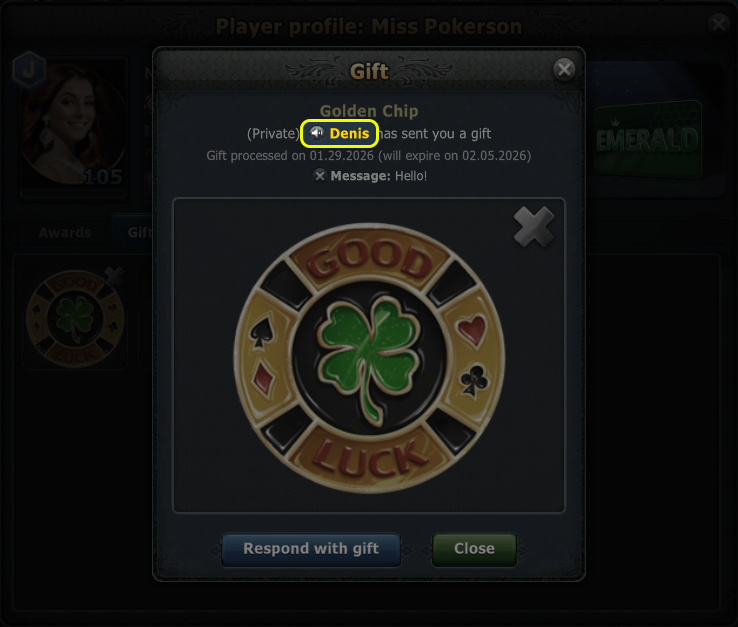
If you have received a non-anonymous gift from another player, you can open their profile from the gift notification. Tap the "Profile" button next to the sender's name to view their profile, where you can send a gift back, add them as a friend, or show respect.
📜 Via History / Activity
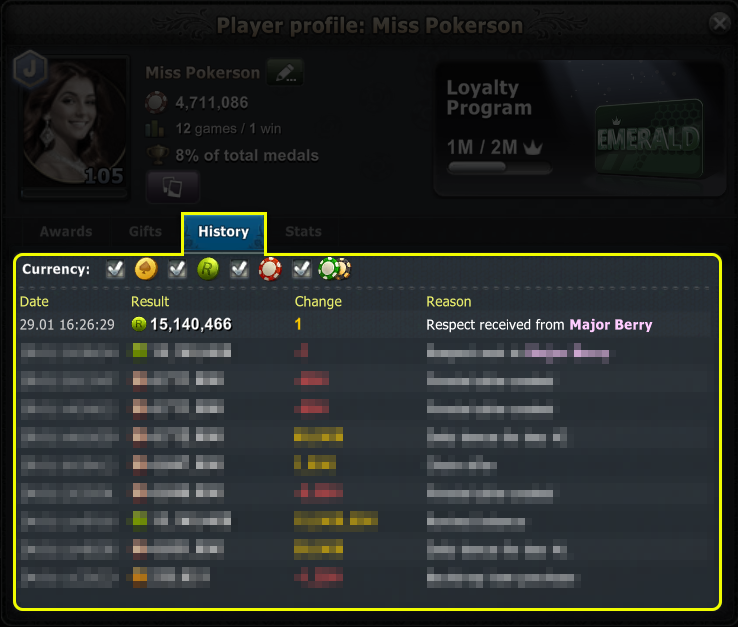
You can find a player you have interacted with in the past. Open the "History" tab in your profile, find the relevant event (a shared game, gift, etc.), and tap the player's nickname to open their profile.
You can also review your interactions in the dedicated "Activity" section.